Click Below To Install

Your Malware Remover download will start Automatically
1
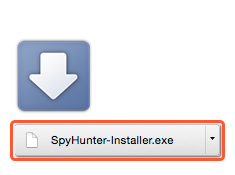
After download, click the Spyhunter-Installer.exe file link below
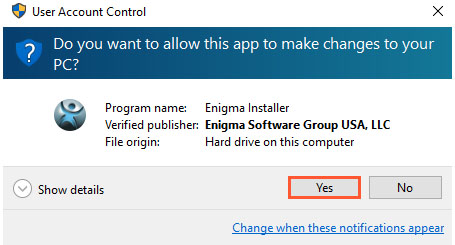
When prompted, click “YES” to launch the Installer
2
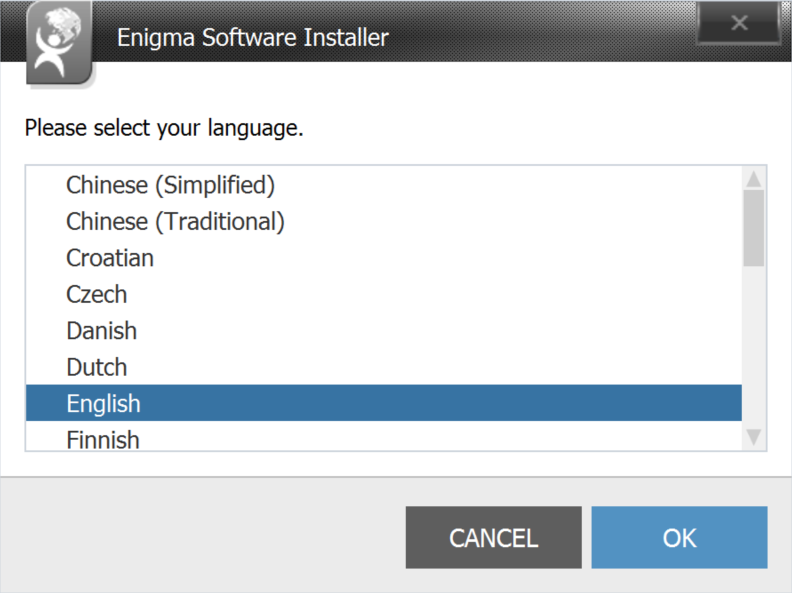
Select the language and click “OK” to complete the installation
3
1
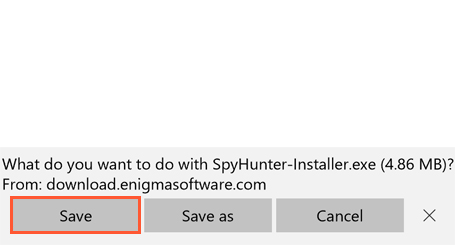
When prompted, click “SAVE” to download the installer
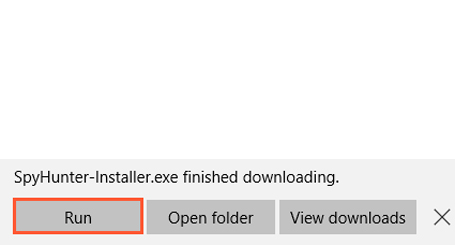
When prompted, click “RUN” to launch the Installer
2
When prompted, click “YES” to launch the Installer
3
1
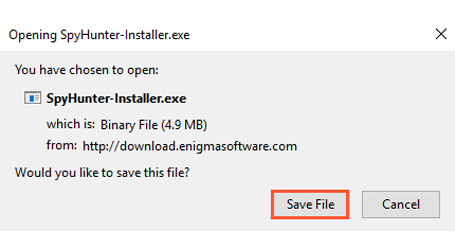
When prompted click “SAVE FILE” to download the installer
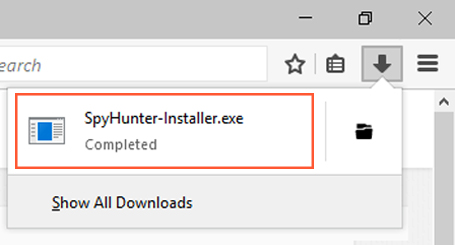
After the download, access the installer by clicking on  in the top right
2
When prompted, click “YES” to launch the Installer
3
Click here to begin your download manually


Press Mentions